
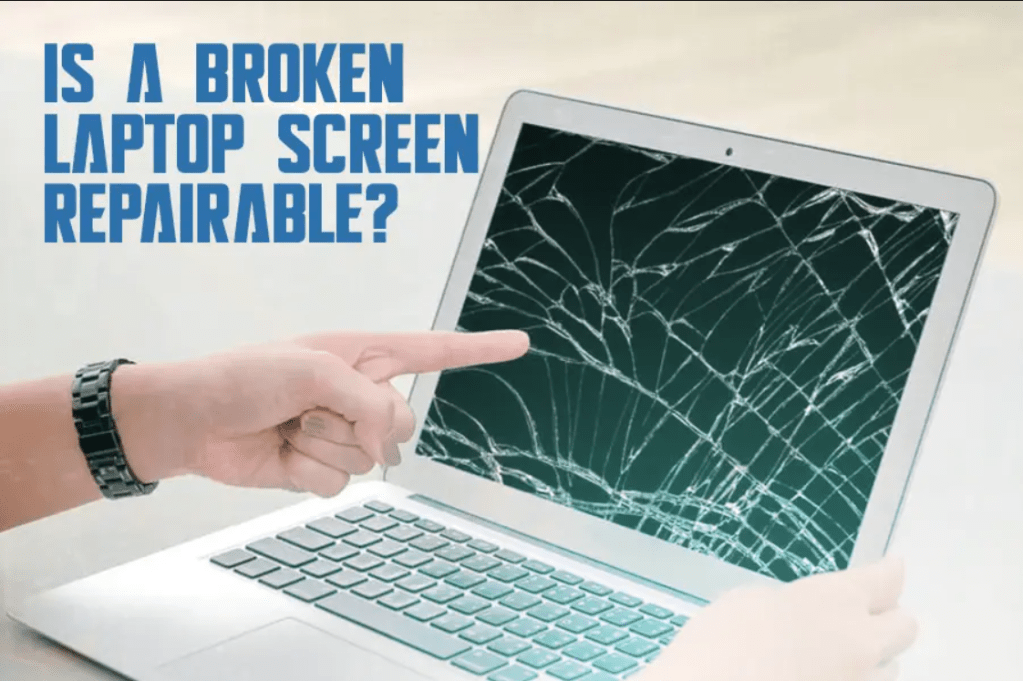
A cracked computer screen is an accident that Laptop and desktop PC user can easily face in their lifetime. A scratch, a tiny crack, or a chip on the screen can cause significant impacts and displease your viewing experience, making using the device almost unbearable or downright impossible. Getting a cracked screen fixed is usually feasible, but what would such a fix set you back? This guide looks at all the standard parameters likely to affect the price of repairing a cracked computer screen.
Find below the various elements that affect the cracked screen repair costs
Type and Size of the Device
As an example, the price to repair a cracked screen of the computer may significantly differ depending on whether it is a monitor of the desk, notebook, or a similar device. In general, it can be said that laptop screen repair can be the most critical and costly because of its small size and complex internal structures. More excellent dimensions of desktop monitors are typically more convenient for the technicians to reach and get rid of. Another determinant of the costs of acquiring a replacement part is the particular make and model of the device you own.

Screen Size
One of the most significant cost contributors is the screen size that needs to be replaced. More screen space, as a rule, is more expensive to produce. In addition, both replacement parts cost and repair labor time pegged to screen size suggest that repair costs rise with screen size. While an average laptop with a 10–15-inch display screen could cost about $200-$300 for a replacement, the 27-inch iMac display could save you over $500.
Screen Type
The cheapest forms of replacement screens are standard LCD and LED ones. However, some new devices can have more expensive screen technologies such as OLED or Retina/high-DPI displays. Unfortunately, since these screens can run up to $1000 from the manufacturer, the repair costs are always much higher than using a standard LCD. Replacing a touchscreen is slightly more expensive than replacing a comparable one with non-touch features.
Repair Shop Fees
Independent repair technicians and chains of device repair companies have different charging rates for the work done, part purchase services, and equipment and software requirements, which influence the prices. Nationwide chains must disperse to fewer sources and, therefore, can negotiate lower part costs, or they can cut specific prices to remain competitive; self-employed technician at a localized computer store must also pass through most per piece expenses on to the customer.
Any Further Maintenance or other requirements
Accidental damages are associated with touchscreen damage as they also accompany drops, spillage, or other damage to the gadget. There is also a contribution to the cost due to component or peripheral replacements done when you’re doing the screen repair. Additional services, including data backup, operating system reinstallation, warranty handling, diagnostic check, or if you paid for urgent repair, add to your overall cost if you want your computer fixed up.
Factors That Reduce Cracked Screen Repair Cost
- In case of any coverage, the manufacturer’s warranty coverage can be used
- Self-consultant fixes instead of paying for a technician’s work
- Bulk repairs form schools or business with special rates offered
- Older device models because they use aftermarket parts that are easily found and relatively cheap
Cracked laptop screen cost for an average price
Cracked laptop screen repair price in United State ranges from $200-$300 which is the average amount. Replacing screens for standard models, such as MacBook Pros and light weight Dell, HP, Acer, or Asus notebooks usually costs between this and a little more than this figure. Touchscreen, 4k display, those large laptops with 17 inch+ size, they can sometimes increase average costs by $500+ for total costs exclusive of operating system.
What Comes After Your Screen Cracks?
It is crucial to act as fast as possible when confronted with a condition that sees your computer’s screen crack since it prevents any more damage or pressure on the computer’s components. Make sure to wipe and bag any shattered glass or dried up liquids first in such a scene. If it is possible, backup your critical data. Once the cracking starts get your computer to a professional repair shop as quickly as possible for the quickest response. Also one should look for warranty or insurance conditions to reimburse or at least reduce the costs. As you are aware, the cost of screening varies depending on your specific make and model of the device, however, knowing what influences price will help you set the right price for your repair.
 Hightech Computers